
User Activation Guide
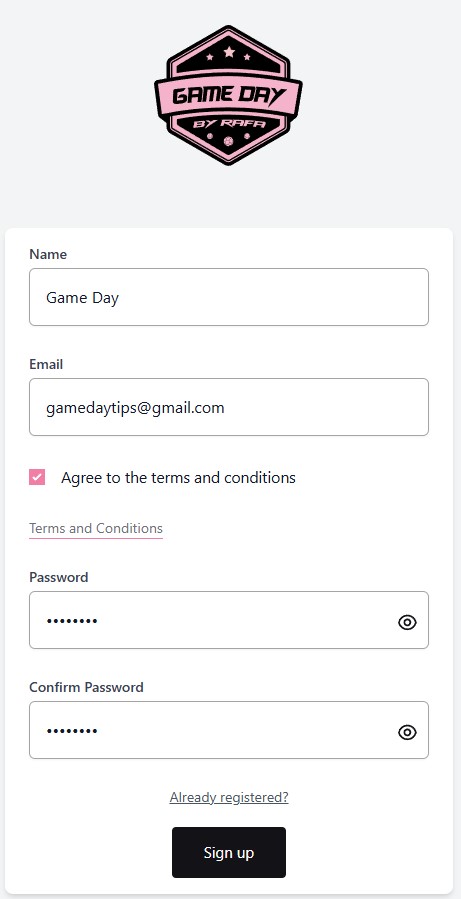
Step 1: Create an Account
Register on our website and create your user account.
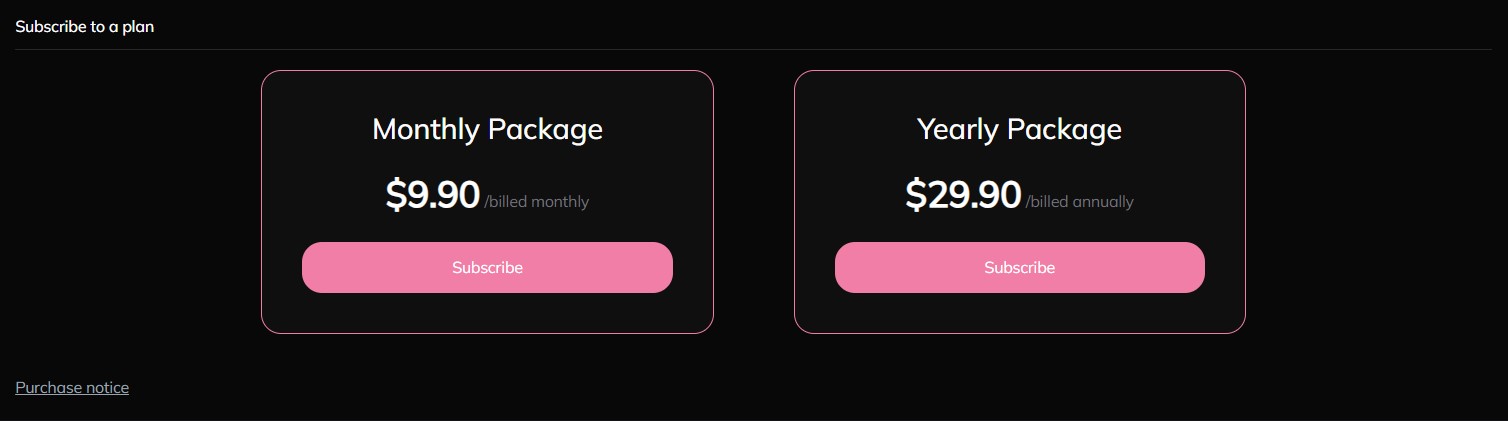
Step 2: Choose a Subscription Plan
Select the subscription plan that best fits your needs.
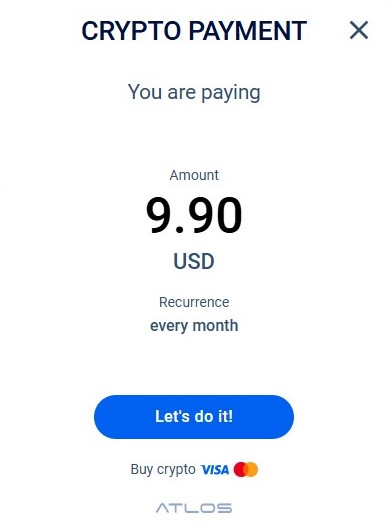
Step 3: Proceed to Secure Payment
You will be redirected to Atlоs, our secure crypto payment platform.
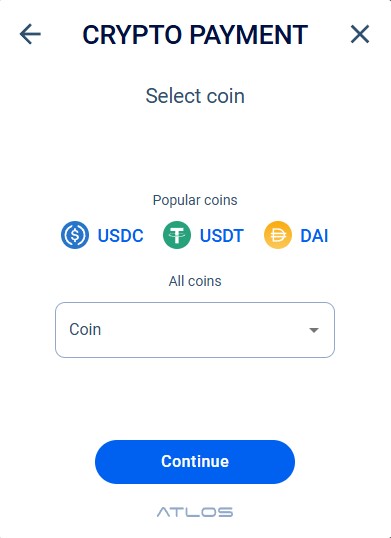
Step 4: Choose a Cryptocurrency
Select the crypto coin you want to use for payment .
Step 5: Choose Payment Method
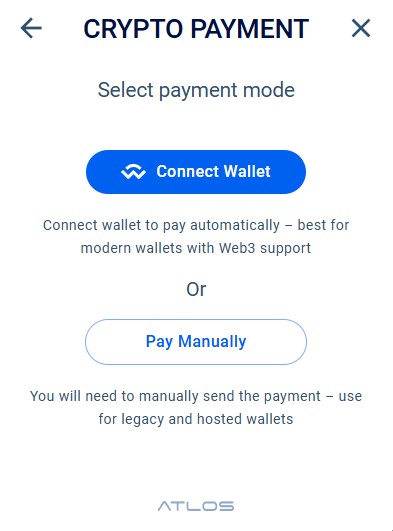
Atlоs offers two payment options:
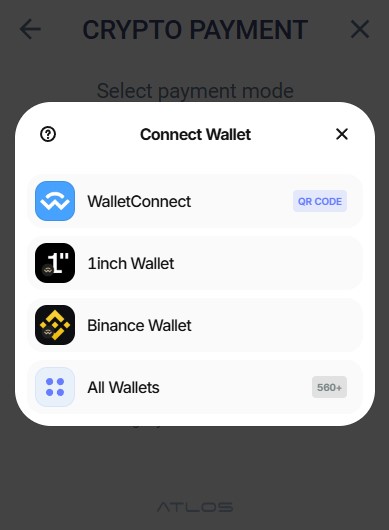
1) Connect Wallet (recommended): The fastest option. Connect your wallet and confirm the payment in a few clicks.
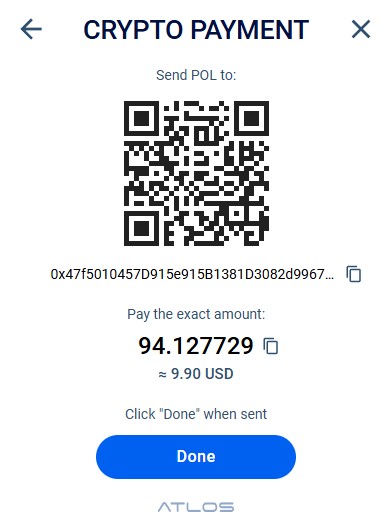
2) Manual Payment: Scan the QR code with your Crypto Wallet , enter the exact amount shown below it, complete the payment, and click Done.
Step 6: Account Activation
Once the correct amount is paid, activation usually takes under one minute. You will then have full access to the website for the duration of the subscription plan you selected.
